Business deliveries differ from residential drops because the receiver controls access. Warehouses, stores, restaurants and job sites operate receiving hours, appointment slots, purchase-order checks and unloading procedures. A planner that sees only the road will produce a geographically neat route that waits outside closed gates or misses the final dock window.
At the same time, B2B demand is often repetitive. The same customer orders on the same weekday and expects the same driver or arrival band. That stability is an asset. Preserve it as a route template, then optimize the parts that genuinely change: quantity, inventory availability, urgent replenishment, holidays and vehicle capacity.
How should standing orders feed B2B route planning?
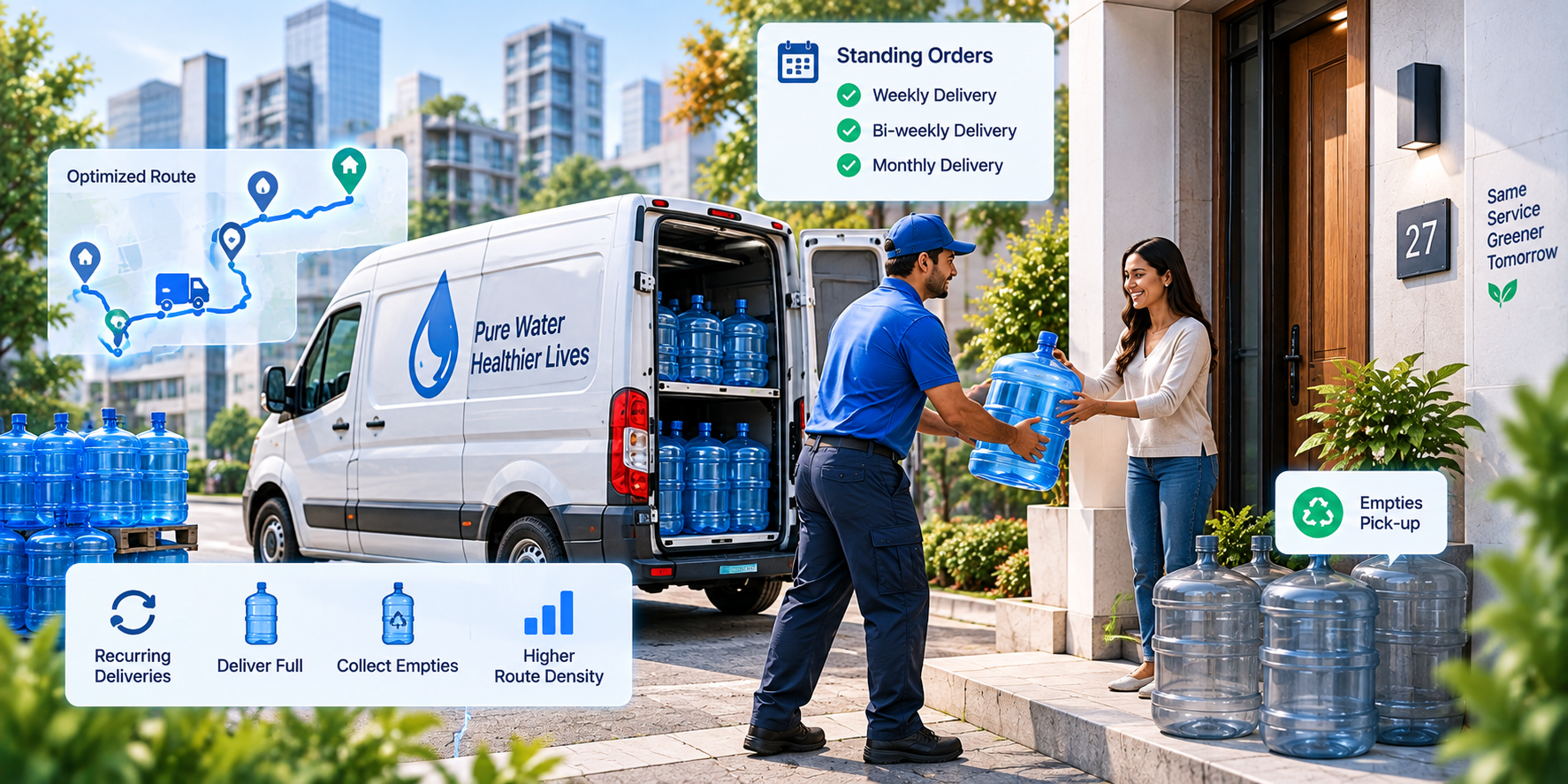
Store the commercial schedule separately from the generated delivery. The standing order defines customer, cadence, normal products or load, delivery day, receiving window and service instructions. Each occurrence becomes an operational order with current quantity, inventory allocation and proof requirements. A skipped holiday changes one occurrence; a contract change updates the schedule.
Receiving window
- Why it matters
- Determines feasible arrival
- Planning treatment
- Hard or contract-defined constraint
Service time
- Why it matters
- Protects every later ETA
- Planning treatment
- Customer and delivery-type profile
Load dimensions
- Why it matters
- Drives vehicle fit and sequence
- Planning treatment
- Weight, volume, pallets or linear space
Vehicle requirement
- Why it matters
- Access or offload dependency
- Planning treatment
- Eligibility before optimization
Priority or stockout risk
- Why it matters
- Changes business consequence
- Planning treatment
- Weighted only inside feasible plans
| Field | Why it matters | Planning treatment |
|---|---|---|
| Receiving window | Determines feasible arrival | Hard or contract-defined constraint |
| Service time | Protects every later ETA | Customer and delivery-type profile |
| Load dimensions | Drives vehicle fit and sequence | Weight, volume, pallets or linear space |
| Vehicle requirement | Access or offload dependency | Eligibility before optimization |
| Priority or stockout risk | Changes business consequence | Weighted only inside feasible plans |
Why a weekly route skeleton often beats daily reinvention
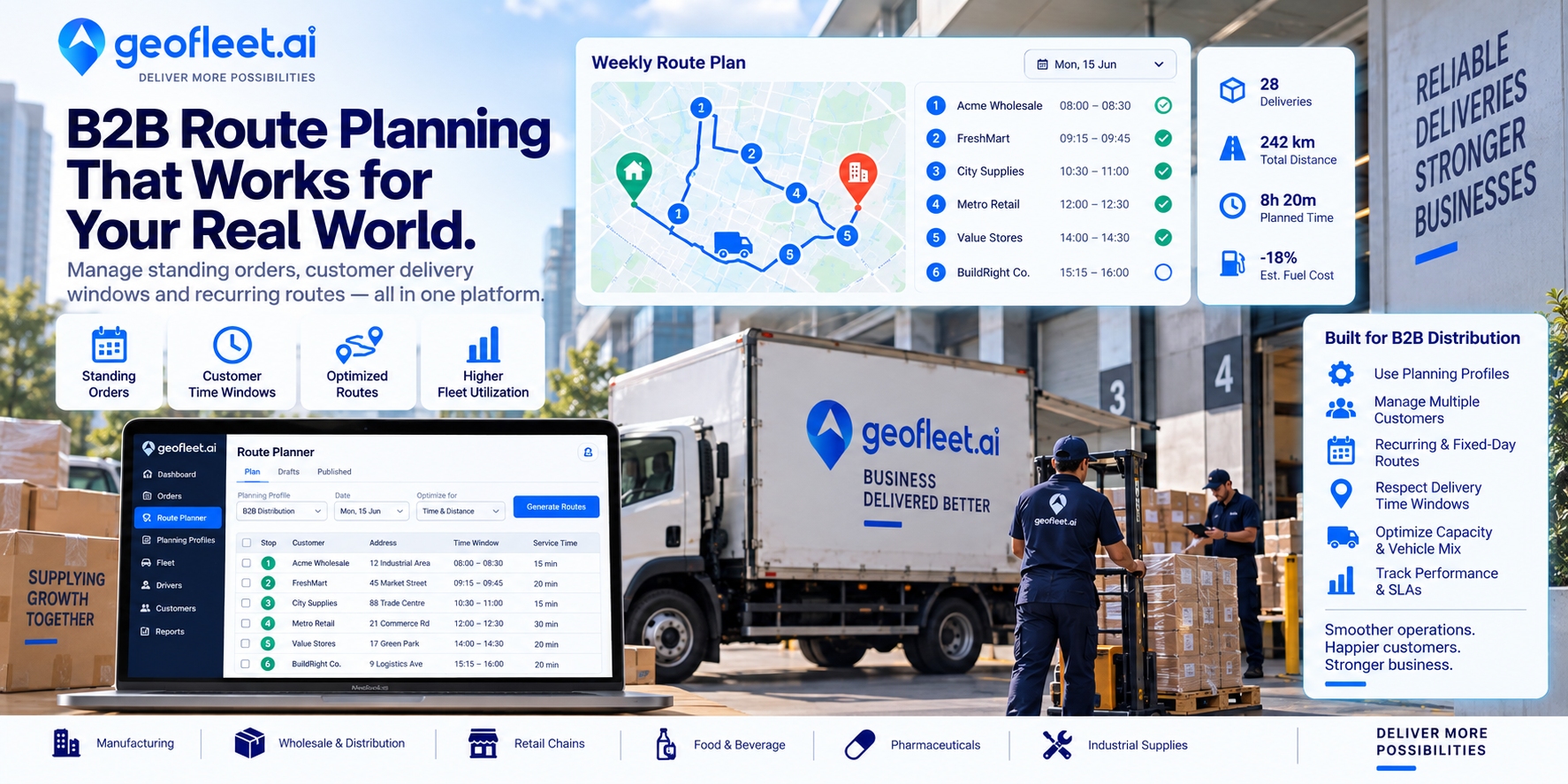
A route skeleton assigns core customers to a weekday, vehicle pattern and approximate sequence. Drivers learn entrances and receiving habits; customers know when to staff the dock; planners can see spare capacity before new orders arrive. Dynamic optimization can still adjust the sequence inside each day, but it should need evidence before moving a recurring customer to a different service pattern.
- Cluster standing customers by practical road and receiving-hour compatibility, not postcode alone.
- Set minimum and maximum capacity bands for each template so underfilled routes consolidate and overloaded routes split early.
- Use customer-specific service time where history shows a stable difference from the default.
- Keep account notes structured and reusable: entrance, dock, paperwork, contact and access limits.
- Version route templates when contracts or territories change so performance remains comparable over time.
How to handle customer delivery windows and dock appointments
Distinguish receiving hours from an appointment. Receiving hours define when a site can generally accept goods; an appointment may be a narrower reserved slot with penalties or refusal outside it. Store both and apply the more specific constraint. For soft preferences, add a cost rather than making the order impossible to plan.
Planned arrival should include realistic queue and unload time. Record actual arrival, dock access, service start and departure separately. When a route is late, this timeline shows whether the cause was road travel, an early customer overrun or a receiving queue. That evidence supports better future plans and more constructive account conversations.
Offer efficient windows at order entry
Do not wait until dispatch to discover that a promised window is expensive. Show sales or the order portal the windows that already have route capacity in the customer’s area.
How planning profiles help mixed B2B operations
Different hubs, customers and order types may require different service times, capacity units, cutoffs and window strictness. A planning profile packages those rules and attaches them to the relevant scope. A pallet route can use hard dock appointments and long service time while a small-parts van from the same depot uses frequent flexible loops.
OTIF
- Decision supported
- Contract and service performance
- Breakdown
- Customer, lane and order type
Planned vs actual dwell
- Decision supported
- Service-time calibration
- Breakdown
- Location and weekday
Vehicle fill
- Decision supported
- Fleet mix and consolidation
- Breakdown
- Weight, volume and pallets
Route stability
- Decision supported
- Customer and driver consistency
- Breakdown
- Stops retained week to week
Cost to serve
- Decision supported
- Pricing and account design
- Breakdown
- Order, stop and customer
| Metric | Decision supported | Breakdown |
|---|---|---|
| OTIF | Contract and service performance | Customer, lane and order type |
| Planned vs actual dwell | Service-time calibration | Location and weekday |
| Vehicle fill | Fleet mix and consolidation | Weight, volume and pallets |
| Route stability | Customer and driver consistency | Stops retained week to week |
| Cost to serve | Pricing and account design | Order, stop and customer |
How to move a recurring B2B route into software
Start with one weekday route whose customers and driver know the current pattern. Import the standing orders, then verify pins, receiving hours, service time, load and access instructions with the people who execute the work. Run the proposed sequence beside the existing route and explain every difference. Some changes will expose waste; others will reveal local knowledge that belongs in structured location data.
During the pilot, measure planned versus actual arrival, dwell and load after each stop. Add customer notifications only after the promised windows are reliable, and automate order generation only after skip and holiday rules are tested. The aim is a reusable weekly system that survives staff absence, not a one-time route that looks efficient on a map.
How Geofleet supports B2B distribution routes
Geofleet combines recurring orders, customer windows, Planning Profiles, multi-constraint route optimization, driver execution, live tracking, proof and analytics. Distributors can preserve fixed-day patterns, offer feasible delivery slots, assign the right vehicle and compare planned with actual dwell. Geofleet gives operations a stable route system that can still respond when orders and capacity change.
Related reading
Frequently asked questions
What is B2B delivery route planning?
It is the process of assigning business orders to vehicles and sequences while respecting receiving hours, appointments, service time, capacity, access and recurring customer commitments.
Should standing B2B orders stay on fixed routes?
Usually they should form a stable weekly skeleton. Re-optimize quantities and exceptions around it, and move core customers only when performance data supports the change.
How are dock appointments handled in routing?
Treat the appointment as a hard time constraint, include expected queue and unloading time, and capture actual milestones to improve future plans.
What is a planning profile?
It is a reusable set of routing rules—such as service time, capacity, cutoffs and window strictness—applied to a hub, day, customer or order type.