Most logistics operations run on at least four systems simultaneously: a dispatch and route execution platform, an e-commerce or order management system, a CRM for account and customer data, and some form of planning tool—often Google Sheets. These systems talk to each other through point-to-point integrations, webhooks, and manual data exports. Each connection requires engineering time to build and ongoing effort to maintain. And when an ops manager needs to answer a question that spans all four systems—why are refund rates rising for a specific account segment this week?—the answer requires pulling data manually from each.
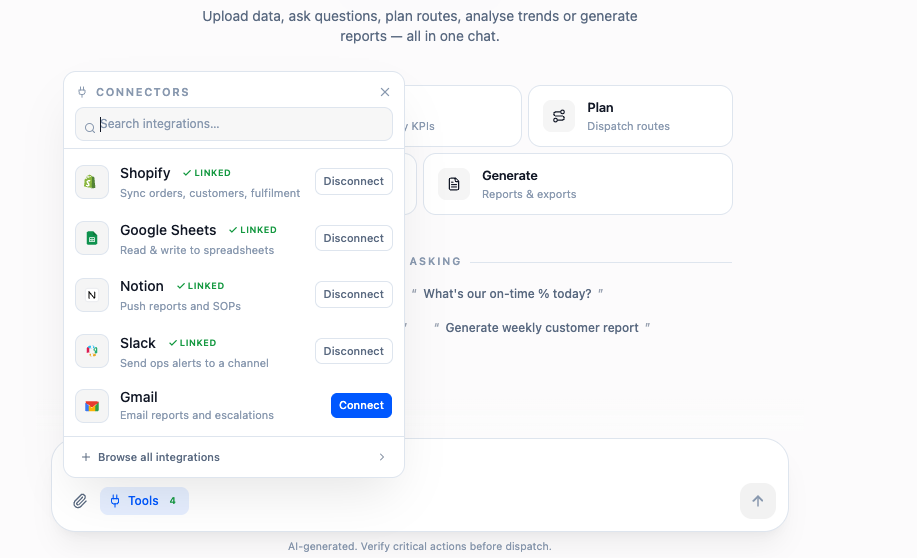
The Model Context Protocol (MCP) changes this architecture. Instead of building direct integrations between every system pair, MCP lets you expose each system as a set of structured tools that any MCP-compatible AI assistant can call. The assistant becomes the integration layer—querying Geofleet for delivery performance, Shopify for order data, HubSpot for account context, and Sheets for planning baselines, then synthesising the answer without any manual data pulling.
What MCP Actually Is
A Protocol for Exposing Systems as AI-Callable Tools
MCP (Model Context Protocol) is an open standard that defines how software systems expose their capabilities as structured tools that AI language models can call. When Geofleet implements MCP, it publishes a set of tool definitions—get_route_status, list_delayed_deliveries, reassign_driver, get_driver_performance—with typed parameters and return schemas. An MCP-compatible AI assistant (Claude, GPT-4, or a custom agent) can discover these tools, call them with specific parameters, and use the results to answer questions or take actions.
How MCP Differs from a REST API
A REST API is called by code. MCP tools are called by AI. The distinction matters because an AI assistant can decide which tools to call, in which order, with which parameters, based on a natural language instruction. A developer calling a REST API must know in advance which endpoints to hit and write the orchestration logic. An AI assistant using MCP can figure out the orchestration at runtime from the instruction. This is what enables cross-system workflows that would otherwise require significant custom engineering.
"Before MCP, getting a combined view of delayed orders, their HubSpot account owners, and the drivers assigned to those routes took 20 minutes of spreadsheet work. Now it's a single question to the assistant."
— Head of Operations, D2C Logistics Platform
The mental model
Think of MCP as a universal translator that lets one AI assistant 'speak' to every system in your stack. Instead of building and maintaining N×N point-to-point integrations between each pair of tools, you expose each system once and let the assistant orchestrate across them.
How MCP Fits with APIs, Webhooks, and Native Integrations
Three Layers, Three Purposes
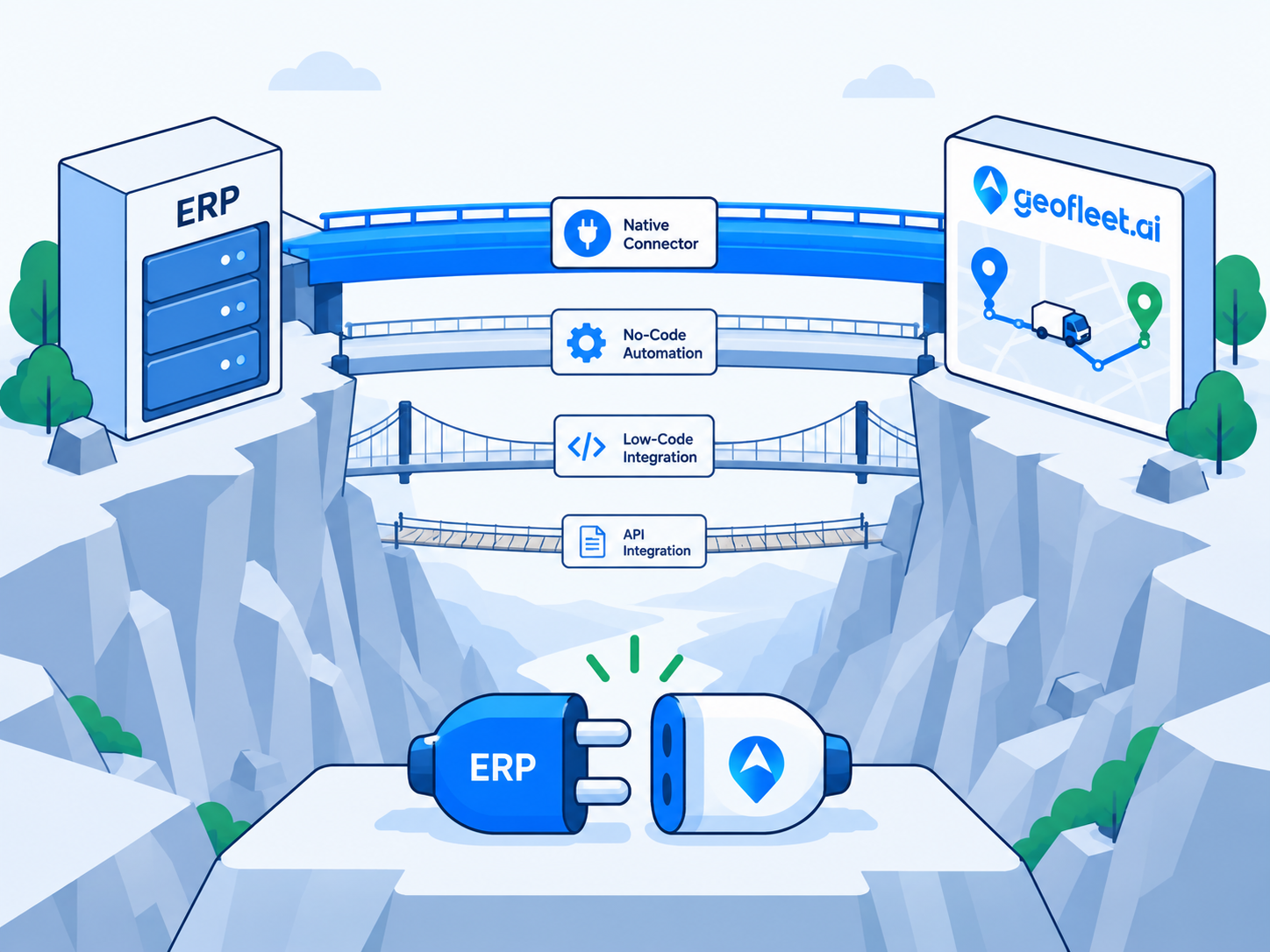
A production logistics technology stack uses all three integration layers for different purposes. Webhooks handle real-time event propagation—a new Shopify order fires a webhook to Geofleet dispatch within seconds. Native integrations handle structured, recurring data sync—Geofleet syncing completed delivery status back to Shopify order records on a defined schedule. MCP handles AI-driven interaction—an assistant querying live data across all systems to answer a question or execute a multi-step workflow on instruction.
- Webhooks: real-time event push (new order, cancellation, status update)—millisecond latency
- Native integrations: structured bidirectional sync between known system pairs—minutes latency
- MCP: AI-driven cross-system queries and actions—on-demand, instruction-driven
- All three layers coexist—MCP does not replace the others, it adds an AI interaction layer on top
| Capability | Webhooks | Native integration | MCP |
|---|---|---|---|
| Trigger | System event | Scheduled or event sync | Natural-language instruction |
| Caller | Source system | Connector code | AI assistant at runtime |
| Latency | Milliseconds | Seconds to minutes | On demand |
| Best for | Real-time event push | Structured bidirectional sync | Cross-system reasoning and ad-hoc queries |
| Orchestration logic | Predefined | Predefined | Decided by the assistant |
Cross-System Use Cases Enabled by MCP
Shopify + Geofleet: Order-to-Delivery Intelligence
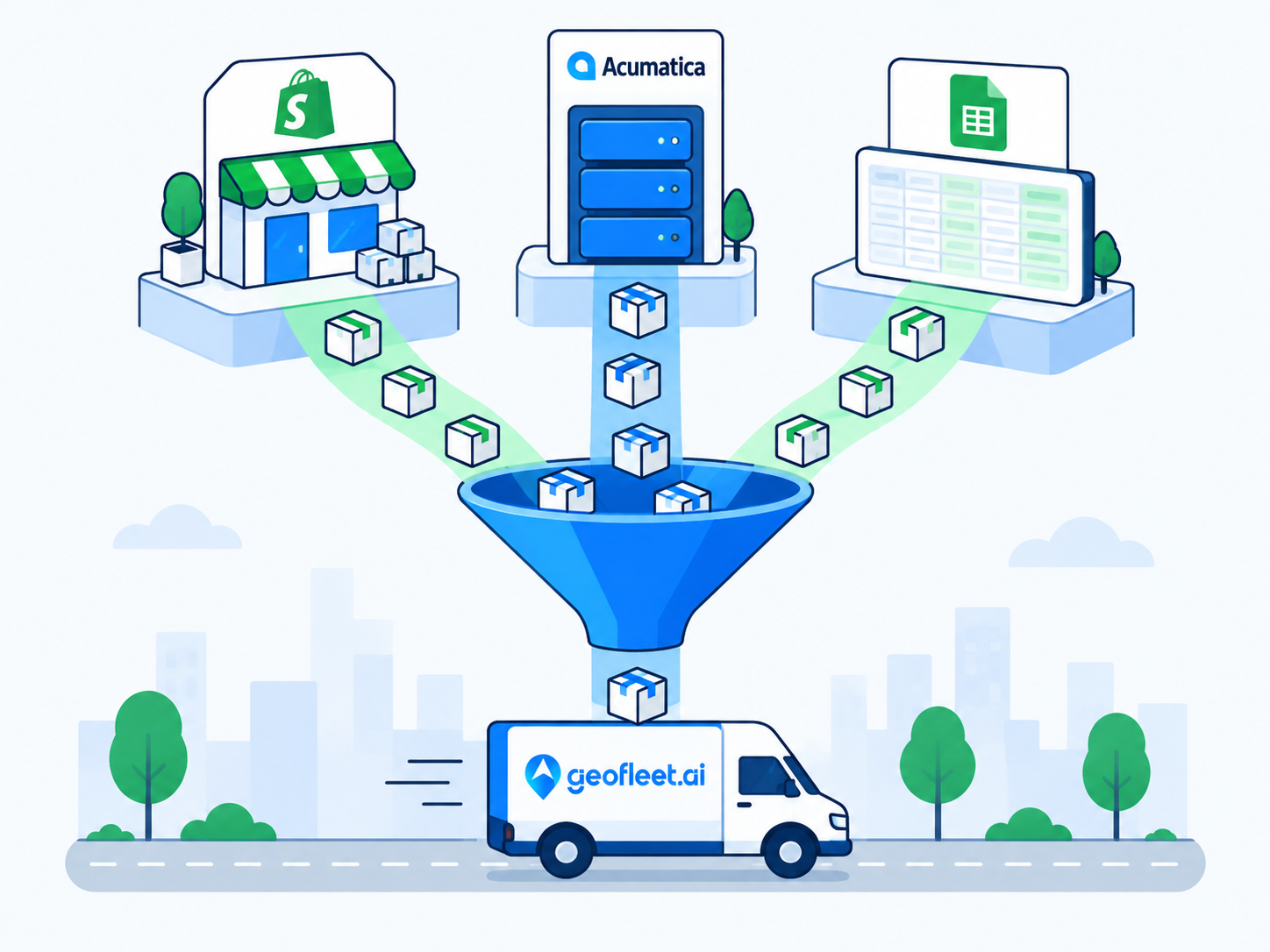
An AI assistant with access to both Geofleet MCP and Shopify MCP can answer questions like: which orders placed in the last 4 hours have not yet been dispatched, which dispatched orders are trending toward SLA breach, and what is the delivery success rate for orders above a certain value this week. Without MCP, answering any of these requires exporting data from both systems and joining it manually. With MCP, the assistant queries both systems simultaneously and returns a synthesised answer in seconds.
HubSpot + Geofleet: Account-Level Delivery Performance
B2B logistics operators manage delivery SLAs on a per-account basis. An MCP workflow combining HubSpot and Geofleet lets an account manager ask: what is the on-time delivery rate for my top 10 accounts this month, which accounts have had more than two SLA breaches, and which account owner should be notified. The assistant pulls account data from HubSpot, delivery performance from Geofleet, and generates a prioritised action list—without the account manager touching either system directly.
Google Sheets + Geofleet: Planning vs Actuals
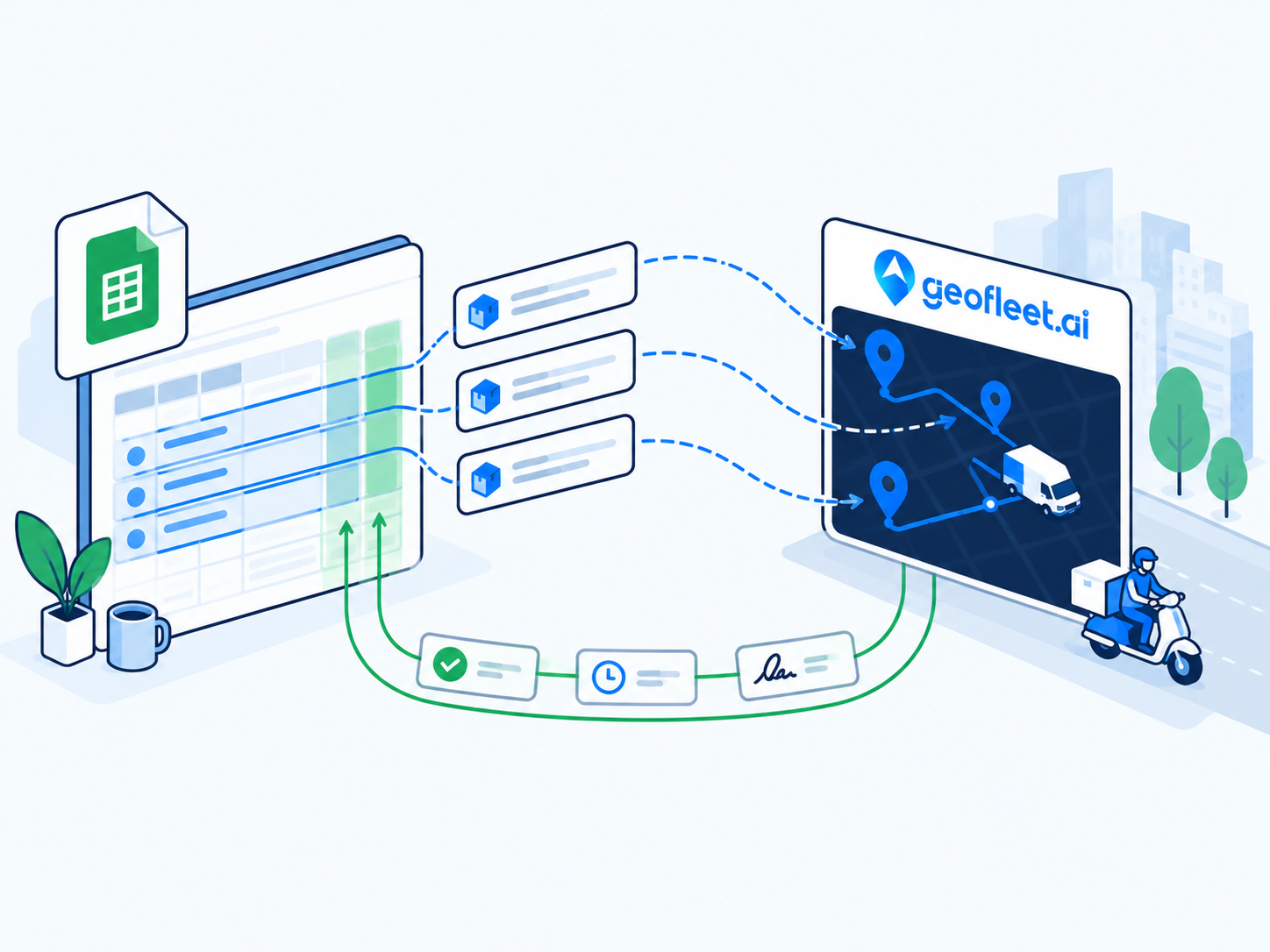
Many operations teams maintain planning models in Google Sheets—capacity forecasts, driver availability grids, zone-level volume projections. MCP allows an AI assistant to compare the planning data in Sheets against live operational data in Geofleet: are we on track against the capacity plan for today, which zones are running above forecast, and do we need to activate the flex driver pool? This closes the loop between planning and execution without manual data pulling.
- Shopify + Geofleet: order-to-delivery gap analysis, SLA trending, dispatch lag detection
- HubSpot + Geofleet: per-account delivery SLA performance, breach alerts for account owners
- Sheets + Geofleet: planning vs actuals, capacity forecast deviation, zone-level variance
- All three combined: root-cause analysis spanning order data, account context, and operational metrics
Governance: Read-First, Write Incrementally
Why Read-Only MCP Is Low Risk
Read-only MCP workflows—querying delivery status, pulling account performance, generating exception reports—carry near-zero operational risk. The assistant reads data and presents it; no system state changes. This is the right starting point for any MCP deployment. It builds familiarity with the assistant's capabilities, surfaces the most valuable query patterns, and creates a usage baseline before any write actions are enabled.
Adding Write Actions with Approval Flows
Write actions—reassigning a driver, updating a delivery window, flagging an order for priority—should be introduced incrementally with explicit approval flows. The assistant proposes the action and its rationale; a human approves or rejects before execution. Every approved action is logged with the instruction that triggered it, the parameters, and the approver identity. This audit trail is not optional—it is the governance foundation that makes AI automation safe to expand over time.
- Enable Geofleet MCP with read-only scope—connect to your AI host (Claude, GPT-4, custom agent)
- Connect Shopify and HubSpot MCP with read-only scope in the same AI host
- Run cross-system query workflows for 2–4 weeks to identify the highest-value use cases
- Enable write actions for low-risk operations (e.g. adding a note to an order) with approval flow
- Expand write scope incrementally—driver reassignment, window updates, priority flags—each with audit logging
How to Decide if MCP Belongs in Your Stack
MCP is not the right first investment for every operation. It pays off most when teams already run multiple systems and spend meaningful time manually joining data across them. Use the checklist below to gauge readiness, and the questions after it to pressure-test any vendor claiming MCP support.
Signals you are ready for MCP
- Your team runs at least three systems that hold parts of the same answer (orders, accounts, delivery, planning).
- Ops or account managers regularly export and join data by hand to answer recurring questions.
- You already use an AI assistant internally and want it to act on live operational data, not stale exports.
- You have basic identity and access controls in place so agent permissions can be scoped properly.
Questions to ask any MCP-capable vendor
- Which tools are exposed, and can scopes be limited to read-only at the start?
- Is every tool call logged with the requesting agent identity, parameters, and outcome?
- Can write actions be gated behind human approval, and is that enforced server-side?
- How are credentials and permissions scoped per agent or per user?
- Does the implementation follow the open MCP specification so any compliant host can connect?
Practical starting point
Pick one recurring cross-system report that currently takes 15–30 minutes of manual spreadsheet work each day. Recreate it as a read-only MCP query first. That single workflow usually justifies the setup before any write actions are considered.
Related reading
Frequently asked questions
What is MCP and how does it differ from a standard API integration?
MCP (Model Context Protocol) is an open standard for exposing software systems as structured tools that AI assistants can call at runtime. A standard API is called by code with predetermined logic. MCP tools are called by AI based on natural language instructions—the assistant decides which tools to call and in what order to answer a question or complete a task. MCP adds an AI interaction layer on top of existing API infrastructure.
Does MCP replace webhooks and native integrations in Geofleet?
No. Webhooks handle real-time event push (new orders, cancellations, status updates) and remain the right pattern for system-to-system event propagation. Native integrations handle structured bidirectional sync between known platform pairs. MCP adds an AI-driven layer for cross-system queries and on-instruction actions. All three layers coexist and serve different purposes.
What can an AI assistant do with Geofleet MCP access?
With read-only access: query delivery status, list at-risk or delayed orders, pull driver performance data, generate exception reports, and compare operational actuals against planning data. With write access (enabled incrementally): reassign drivers, update delivery windows, flag orders for priority handling, and trigger notifications. Write actions should use approval flows and audit logging.
Is it safe to give an AI assistant write access to Geofleet through MCP?
Safe with the right governance controls. Start with read-only access. When adding write actions, require human approval before execution for any action that changes operational state. Log every tool call with the instruction, parameters, approver identity, and outcome. Expand write scope incrementally, starting with low-risk actions (adding notes) before enabling high-impact ones (driver reassignment).
Which AI assistants are compatible with Geofleet MCP?
Any MCP-compatible AI host can connect to Geofleet MCP—including Claude (Anthropic), GPT-4 (OpenAI), and custom agents built on MCP-compatible frameworks. The protocol is open standard, so compatibility is determined by the host supporting the MCP specification rather than a proprietary connector for each model.
Where should a team start with MCP?
Start with a single read-only cross-system report that your team currently builds by hand, such as joining delayed orders to their account owners and assigned drivers. Recreate it as an MCP query, run it for a few weeks, and only then consider enabling write actions with approval flows.